
A counter that sees you move
Set a rep target or choose No limit. The camera counts completed squats and shows clear form cues as you move.
Your reps. Your rivals. Your progress.
Your phone counts your squats. You focus on moving. Train with live form cues, build your progress, and challenge a friend to one more rep.
For iPhone and iPad · iOS 17 or later
seconds per duel round
achievement badges
app languages
Start with your own pace. Add a little competition when you’re ready.
Built around your next rep
From your first set to a friendly rivalry, everything starts with a squat.
Set a rep target or choose No limit. The camera counts completed squats and shows clear form cues as you move.
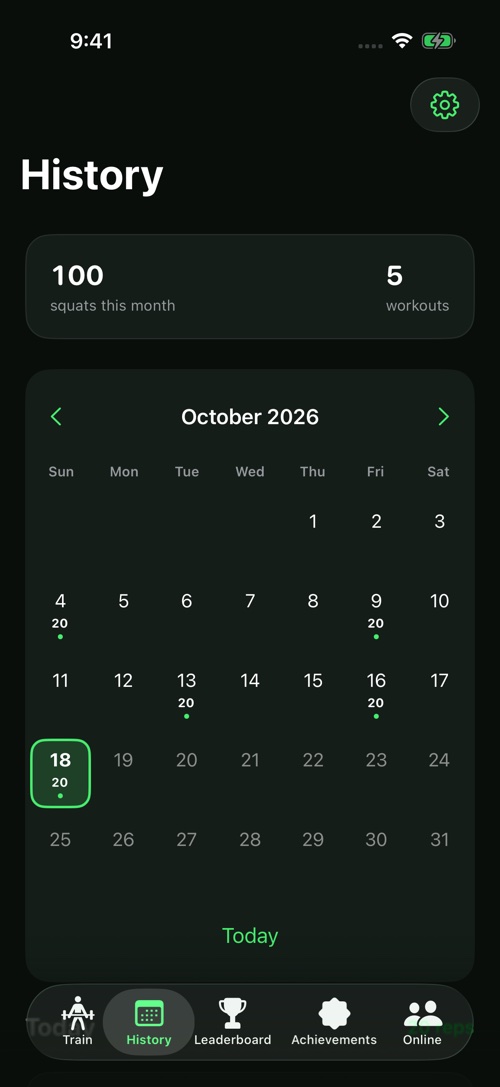
See sessions in your calendar. Review reps, duration and movement statistics in your device-local history.
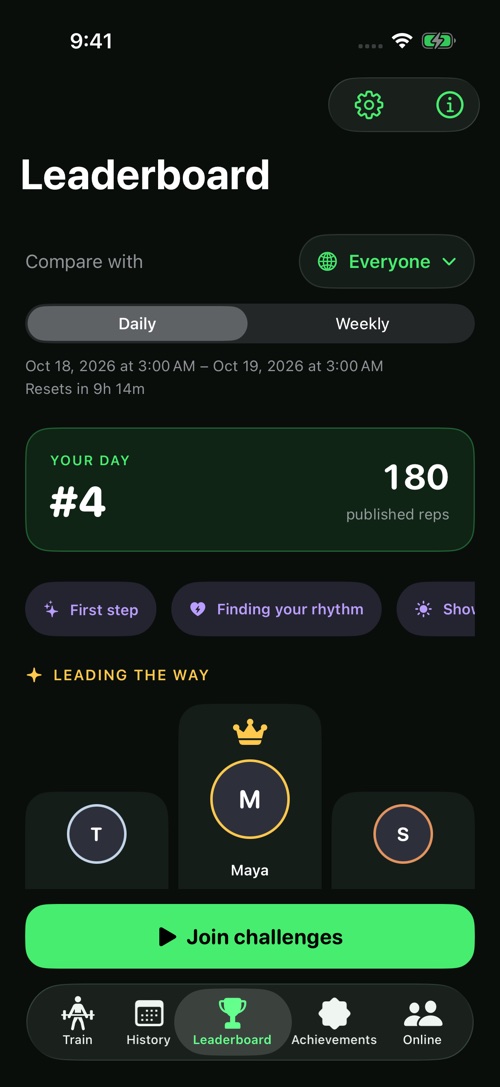
Opt in to daily and weekly Game Center challenges. Compare challenge totals with Friends or Everyone.
Collect 17 badges for lifetime squats, workout-day streaks and eligible daily or weekly podium ranks. Share an earned badge when you choose.
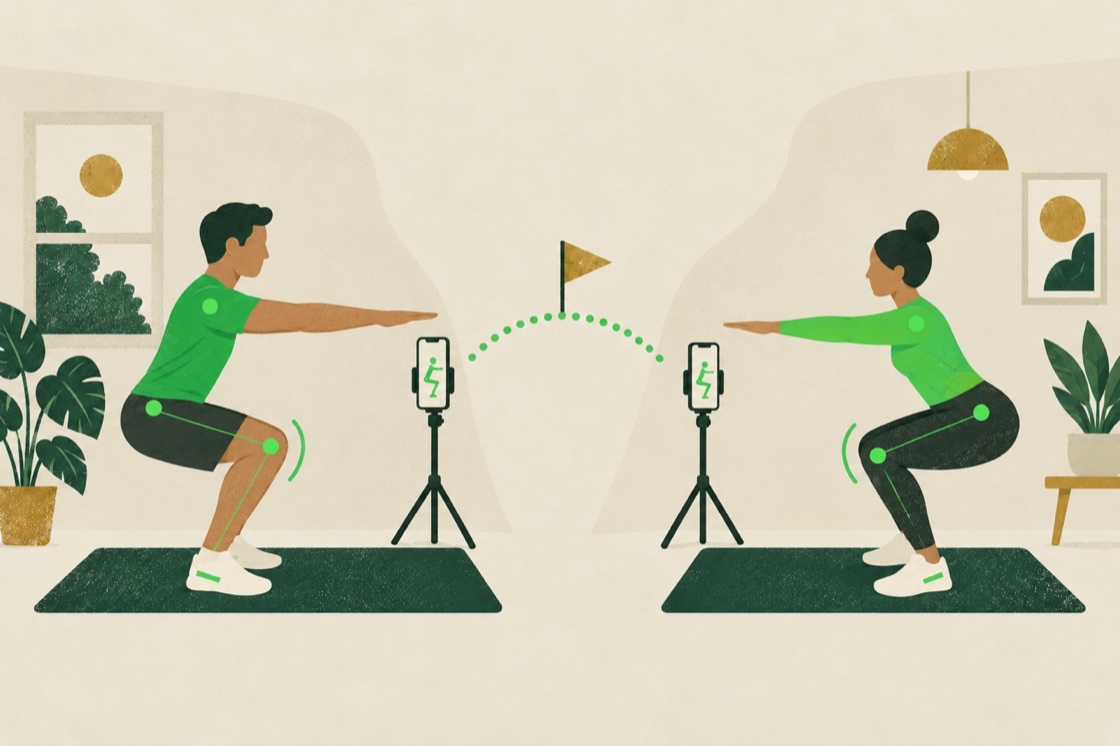
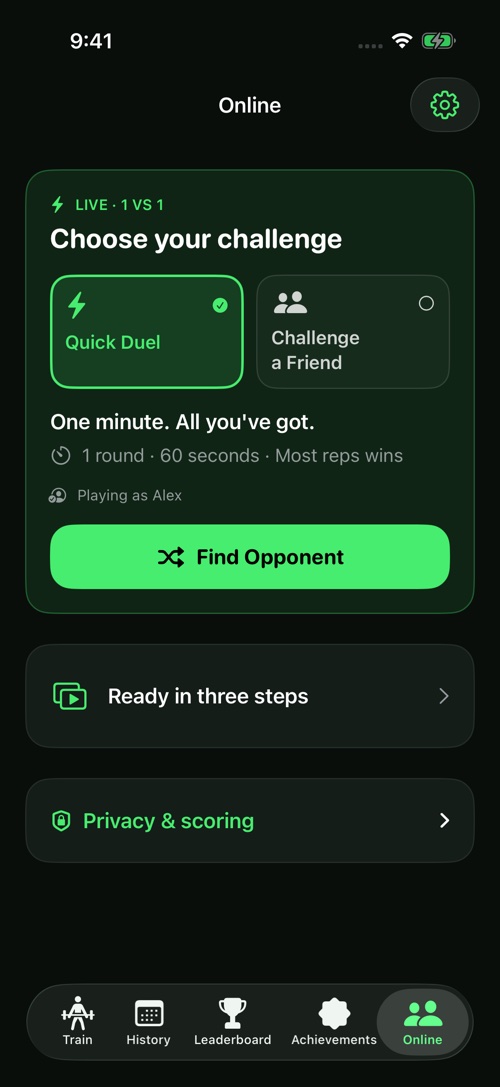
Pro unlocks live Game Center duels. Find an opponent or invite a friend for 1, 3 or 5 rounds, with 30-second rests between rounds.
Frames and body landmarks are processed on-device. Opponents see your Game Center profile and scores, never your camera feed.
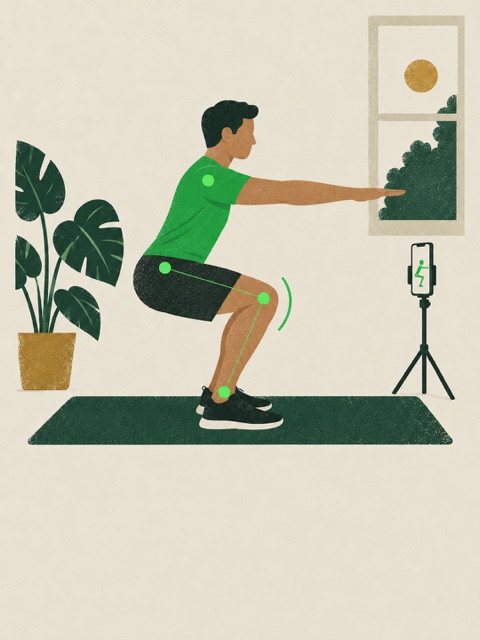
Ready in three steps
Place it securely, use good lighting and keep your whole body in the camera frame.
Choose a rep target or No limit. Stand upright until the app is ready, then begin your set.
Save your session, explore your achievements, or start a Game Center challenge when you’re ready.
Inside the app
App screenshots show sample players, workouts and scores. They do not represent live competitors or published results.
Privacy policy
Camera frames, body landmarks and detailed form measurements stay on your device. Game Center handles optional profiles, rankings and live scores.
Read the privacy policyGuides
Set up Squat League for automatic rep counting and live movement cues.
Use Game Center and Squat League Pro for live, head-to-head squat duels.
Understand which workouts count toward Game Center rankings.
A few useful answers
Solo workouts, history, achievements and rankings are free. Live online duels require Squat League Pro.
Solo training and local history work without an app account. Game Center is required for ranked challenges and online duels.
A round lasts 60 seconds. Friend presets offer 1, 3 or 5 rounds, with 30-second rests between rounds. Most accepted reps wins; equal scores draw.
It does not record or upload camera footage. Rep counts and workout summaries are saved locally. Optional Game Center features share profile and score information.
Counting pauses while tracking is unavailable. In a duel, the shared match timer keeps running.
Check the app for current weekly/monthly prices and trial eligibility. Apple processes subscriptions, which renew automatically unless cancelled in Apple subscription settings.
SQUAT LEAGUE
